Shoppers add items, reach checkout, then a call comes in or the delivery charge surprises them, and the tab is closed. That abandoned cart is a customer who already wanted to buy. A short, friendly nudge with a link back to their cart is often all it takes, but nobody has time to watch the store dashboard and message each one.
SaleMag sends that nudge automatically, on the channel your customers actually read.
How does abandoned cart recovery work?
- Store connected. Connect Shopify or BigCommerce. SaleMag registers the store's webhooks, including Shopify's checkout-created event and BigCommerce's cart-abandoned event.
- Cart detected. A Shopify checkout that has no matching order after 30 minutes is treated as abandoned. BigCommerce reports abandoned carts itself, identified by the shopper's email, so a WhatsApp or SMS reminder needs that contact to already have a phone number in SaleMag. A background check every 5 minutes picks up anything missed.
- Order check. If the same contact places an order after the cart was created, the cart is marked recovered and nothing is sent.
- Automation starts. The Cart abandoned trigger starts your automation once per cart, for carts linked to a contact.
- Reminder sent. Your flow waits, then sends the message you designed.
What can the reminder say?
The automation receives the cart's details as tokens you can drop into any message:
| Token | What it contains |
|---|---|
{{context.cart_total}} |
The cart value |
{{context.order_currency}} |
The cart currency |
{{context.recovery_url}} |
The store's link back to the customer's cart |
Combine them with the contact's name: "Hi Rafi, your cart of ৳2,450 is still waiting. Finish your order here: …"
Which channel should I use?
| Channel | What to know |
|---|---|
| The shopper usually has not messaged you, so use an approved message template through the official API | |
| SMS | Works for any contact with a phone number, through your own SMS gateway |
| Works for contacts with an email address, through your SMTP server | |
| Messenger, Instagram | Only if the contact has already messaged that page |
You can send on more than one: chain wait 1 hour, WhatsApp template then wait 1 day, email.
How do I build the flow?
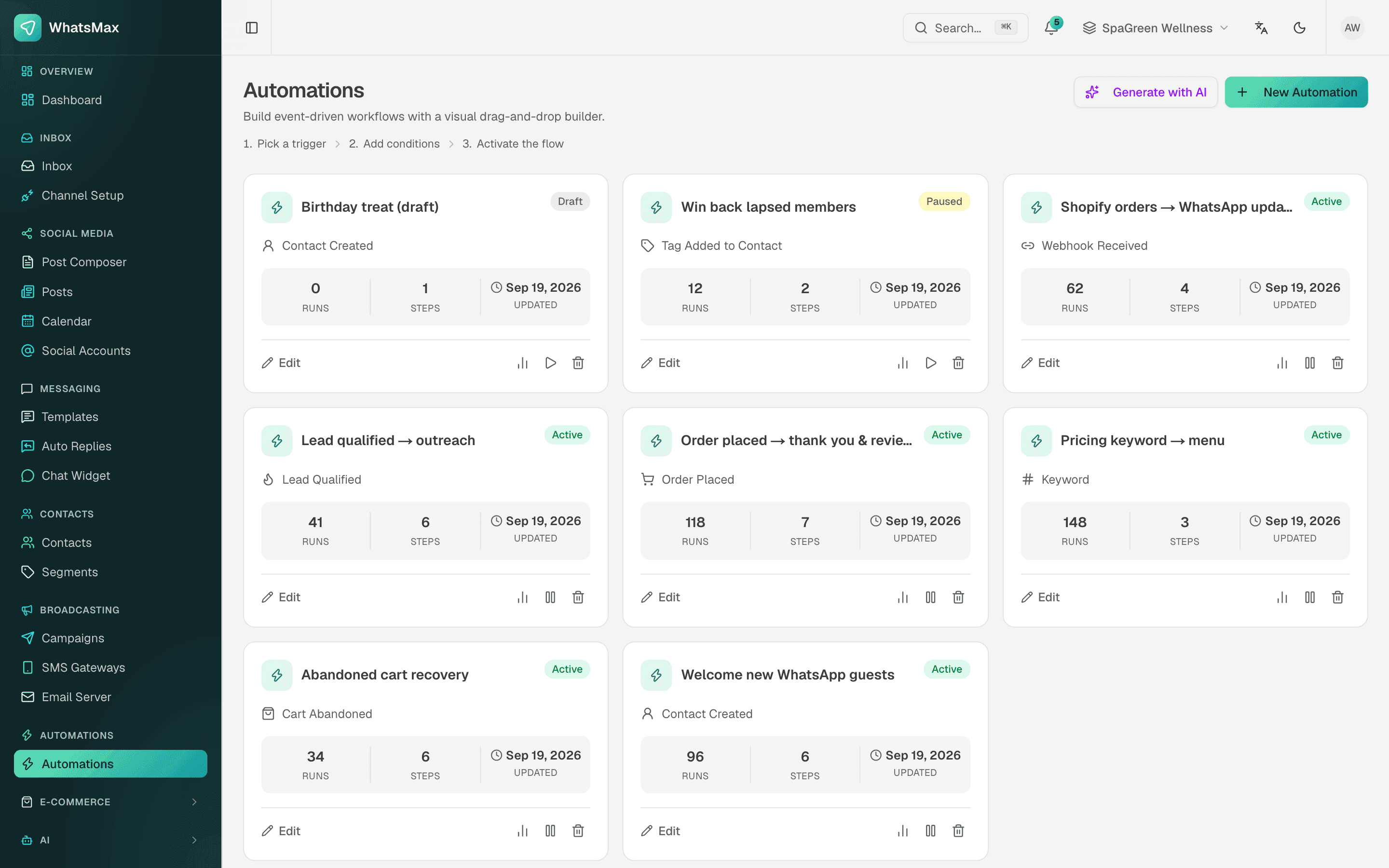
Open the automation flow builder, choose the Cart abandoned trigger, and add wait and send steps. Or type into the AI builder something like "Recover abandoned carts: wait 1 hour, send a reminder with the recovery link" and review the draft it produces. Test with a dry run before you activate.
What else does the store connection give me?
- Contacts: store customers become contacts with lifetime value, last order date and tags such as "Shopify Customer" and "Repeat Buyer".
- Order messages: order placed, fulfilled and cancelled triggers can send confirmations and shipping updates with order number, total, tracking number and tracking link.
- Products: your catalog powers AI order taking and product cards in chat.
What it does not do
There is no built-in discount-code generator and no recovered-revenue dashboard yet. WooCommerce stores are supported for products, customers and orders, but not for abandoned cart detection.
Who is it for?
Shopify and BigCommerce stores selling in Bangladesh or abroad that want to win back checkouts on WhatsApp, where customers reply. See integrations and pricing.
Step by step
- 1
Connect your store
Connect Shopify or BigCommerce from the Stores page; SaleMag registers the store webhooks for you.
- 2
Create the automation
Start a new automation with the Cart abandoned trigger, or ask the AI builder to draft one.
- 3
Add the reminder
Add a wait step and a WhatsApp template, SMS or email that includes the recovery link.
- 4
Activate
Test the flow with a dry run, then set it to active.
Frequently asked questions
Which stores does abandoned cart recovery support?
Shopify and BigCommerce. WooCommerce stores can sync products, customers and orders with SaleMag, but abandoned carts are not detected for WooCommerce.
When is a cart considered abandoned?
For Shopify, when a checkout was created and no order from that customer follows within 30 minutes. For BigCommerce, SaleMag uses the store's own abandoned-cart event. A background check every 5 minutes catches any cart that was missed.
Which channel sends the reminder?
Whichever you choose in the automation: a WhatsApp message or template, SMS or email. Because the shopper usually has not messaged you, WhatsApp reminders normally need an approved message template.
Can I send more than one reminder?
Yes. Chain wait and send steps, for example a WhatsApp template after 1 hour and an email the next day.
Can SaleMag add a discount code to the reminder?
There is no automatic coupon generator. You can write a code you created in your store into the message text.
Does every abandoned cart get a reminder?
Only carts linked to a contact with a phone number or email. Each cart triggers the automation once, and carts followed by an order are skipped.
About the author
WhatsApp & F-commerce automation, Dhaka
The Dhaka team that builds SaleMag, the AI sales inbox for WhatsApp, Messenger and Instagram used by online sellers in Bangladesh.