A visitor lands on your product page at 11 pm, has one question about size or delivery, and leaves when there is no quick way to ask. In Bangladesh that visitor almost certainly has WhatsApp open on their phone. A WhatsApp chat widget for your website turns that question into a WhatsApp conversation your team, or your AI chatbot, can answer.
What is a WhatsApp chat widget for a website?
A WhatsApp chat widget is a floating button on a website that starts a WhatsApp chat with the business when a visitor taps it. SaleMag's version adds a greeting card with an agent name and a short message, then opens WhatsApp with text you have written in advance. The visitor only has to press send.
It is a click-to-chat button, not a live chat box. Nothing is typed inside your web page. The conversation moves to WhatsApp, where most Bangladeshi shoppers already talk to the shops they buy from.
How does SaleMag's WhatsApp chat widget work?
SaleMag's widget shows a WhatsApp button, opens a greeting card, and sends the visitor to WhatsApp with your prefilled message; the chat then lands in your inbox. The table shows each step:
| Step | What happens |
|---|---|
| Page loads | A WhatsApp button appears in the bottom-left or bottom-right corner |
| 3 seconds later | If you wrote a greeting, the greeting card opens by itself, once per browser session |
| Visitor taps Start Chat | WhatsApp opens with your prefilled message, addressed to your number |
| Visitor sends it | The message reaches your number like any other WhatsApp chat |
| In SaleMag | The chat appears in the shared inbox; the AI chatbot or a team member replies |
The script is served from SaleMag, so when you change the greeting or colours in the dashboard, your site picks up the change without a new embed code.
WhatsApp button vs website live chat: which is better in Bangladesh?
A WhatsApp button usually suits Bangladeshi shoppers better than website live chat, because the conversation continues on their phone after they close the tab. With a website-only live chat, the customer has to stay on the page, and you have no way to reach them once they leave unless they typed an email address. With WhatsApp, the chat sits in their phone next to their other messages.
The table compares the two approaches:
| Website-only live chat | WhatsApp button (SaleMag widget) | |
|---|---|---|
| Where the customer replies | Only while the web page is open | On WhatsApp, from their phone, any time |
| Customer identity | Often anonymous | Their WhatsApp number, saved as a contact |
| Reaching them tomorrow | Only if they left an email | An approved message template after the 24-hour window |
| Language | Whatever the widget supports | They type as they always do, in Bangla, Banglish or English |
| Your team's tools | A separate chat app | The same inbox as Messenger, Instagram and WhatsApp |
Each chat creates a contact deduplicated by phone number, so you build a list you can segment and, with their opt-in, include in a WhatsApp broadcast later. Free-form replies work within the 24-hour window; after that you send a Meta-approved template.
Can I add a WhatsApp button to a Shopify or WordPress site?
Yes. SaleMag's WhatsApp chat widget installs on Shopify, WordPress or any site that accepts a custom script, using one script tag. Paste it into your Shopify theme code, a WordPress header and footer plugin or theme file, or any site builder that accepts a custom script. A Dhanmondi boutique with a Shopify store and a Mirpur coaching centre with a WordPress site would install it the same way: copy, paste, publish, and test on a phone.
You do not need a plugin from SaleMag. If you also sell through Shopify, WooCommerce or BigCommerce, you can sync the store separately so the AI knows your products.
What can I customise in the WhatsApp chat widget?
In SaleMag you can customise the widget's number, prefilled message, greeting card, colours, position, working hours and allowed domains:
- Number and prefilled message (one per widget), for example "Hi, I have a question about an item on your website".
- Greeting card: agent name, greeting text and avatar colour.
- Button colour and position, bottom-left or bottom-right.
- Working hours: a weekly schedule with a time zone. Outside it, the button is hidden.
- Allowed domains: the widget loads only on the sites you list, including their subdomains.
You can create more than one widget, for example a separate prefilled message for each of your websites.
What happens after the customer taps the WhatsApp button?
After the visitor taps the button and sends the message, the chat becomes a normal WhatsApp conversation on a number connected to SaleMag through the official WhatsApp Business API. From there, everything you have set up for WhatsApp applies:
- Keyword, welcome and away auto-replies answer first if a rule matches.
- An AI chatbot linked to the number answers from your knowledge base, in the customer's language, and hands the chat to your team when it is unsure or the customer asks for a person (human handover).
- With AI order taking on, the bot can quote prices from your catalog and send a cash-on-delivery order form inside WhatsApp.
- Your team can assign the chat, add notes and labels, and take over at any time. After a person replies, the bot stays quiet in that chat for 15 minutes.
If a visitor mostly asks about products, the AI sales agent page explains how the bot answers price, stock and size questions.
What doesn't the SaleMag chat widget do?
SaleMag's chat widget does not open a chat window or form on your site, and it does not record which page a visitor came from. Being clear about this saves you a surprise later:
- It does not show a chat window or a contact form on your site.
- It does not capture the visitor's details until they actually send the WhatsApp message.
- It does not track which page the visitor was on; the prefilled message is the same for every page using that widget.
- Customers need WhatsApp installed or WhatsApp Web open to start a chat.
Get started
Connect your WhatsApp number, create a widget with a short greeting, and paste the script on your site. Then send yourself a test message and watch it arrive in the inbox. Create an account or compare plans.
Step by step
- 1
Connect your WhatsApp number
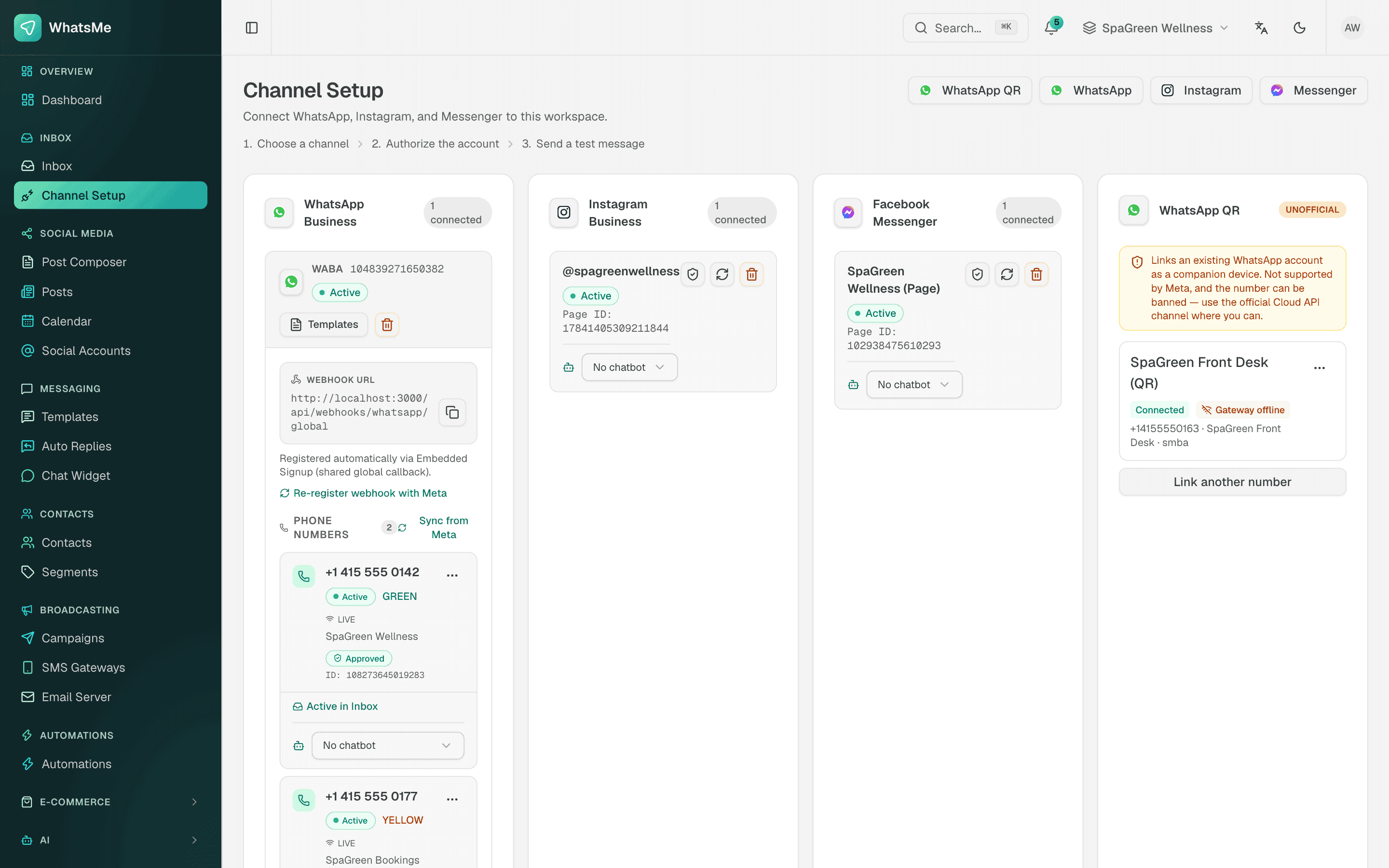
In Channel Setup, connect the number through embedded signup so widget chats reach your SaleMag inbox.
- 2
Create the widget
Open the chat widget page, pick the number, and write the prefilled message and greeting.
- 3
Style it
Set the agent name, button and avatar colours, bottom-left or bottom-right position, working hours and allowed domains.
- 4
Paste the embed code
Copy the script tag and add it to your Shopify theme, WordPress site or any page that accepts custom code, then test it on your phone.
Frequently asked questions
Is the SaleMag chat widget a live chat window on my website?
No. SaleMag's chat widget shows a WhatsApp button and a greeting card. When the visitor taps Start Chat, WhatsApp opens and the conversation happens there, not inside your web page.
Do I need a developer to add the SaleMag WhatsApp widget to my website?
No. You copy one script tag from SaleMag and paste it into your site's code or a header and footer setting. Any site builder that accepts a custom script, including Shopify and WordPress, can run the widget.
Does the WhatsApp chat widget work on mobile?
Yes. On a phone, SaleMag's widget button opens the WhatsApp app. On a computer it opens WhatsApp Web or the desktop app, depending on what the visitor uses.
Can SaleMag's AI chatbot answer people who come from the website widget?
Yes, if the number the widget points to is connected to SaleMag and has an AI chatbot linked. The chat arrives like any other WhatsApp message, so the bot and your team reply from the shared inbox, and a person can take over at any time.
What does the SaleMag widget do outside working hours?
If you turn on working hours, SaleMag hides the WhatsApp button outside the schedule you set. Customers who already have your number can still message you, and an away auto-reply or the AI chatbot can answer.
Can someone else use my widget code on another website?
No, not if you list allowed domains. SaleMag then loads the widget only on those sites and their subdomains.
Is the WhatsApp connection behind the widget official?
Yes. SaleMag connects numbers through Meta's official WhatsApp Cloud API. The widget itself uses a standard WhatsApp click-to-chat link.
How much does SaleMag's WhatsApp chat widget cost?
The widget is part of SaleMag's plans; see pricing for what each plan includes. Meta charges for some WhatsApp messages and changes its rates over time, so check its current rate card for the messages you send.
About the author
WhatsApp & F-commerce automation, Dhaka
The Dhaka team that builds SaleMag, the AI sales inbox for WhatsApp, Messenger and Instagram used by online sellers in Bangladesh.