This guide links a WhatsApp number to SaleMag the same way WhatsApp Web does: you scan a QR code with your phone. At the end, chats on that number arrive in your SaleMag inbox and your AI agent can answer them.
Warning: This way is not supported by Meta. WhatsApp can ban the number, and you can lose it for good. Use a number you can afford to lose. For your main business number, connect official WhatsApp instead.
What works and what doesn't
- Works: customer chats in the inbox, replies from the inbox, photos and files, AI agent replies. Messages you send from the phone also show in SaleMag.
- Doesn't work: message templates and campaigns. Group chats and status updates don't come into the inbox.
- No 24-hour rule: you can reply at any time. But messaging people who haven't written to you is the fastest way to get blocked.
- Your phone must stay online. SaleMag works through the phone, like WhatsApp Web.
If you don't see a WhatsApp QR button on the page, this option isn't available for your account. Use official WhatsApp.
Step 1 — Open the Channel Setup page
In the left menu, go to Messaging → Account/Page Setup. The page is called Channel Setup. Click WhatsApp QR at the top.
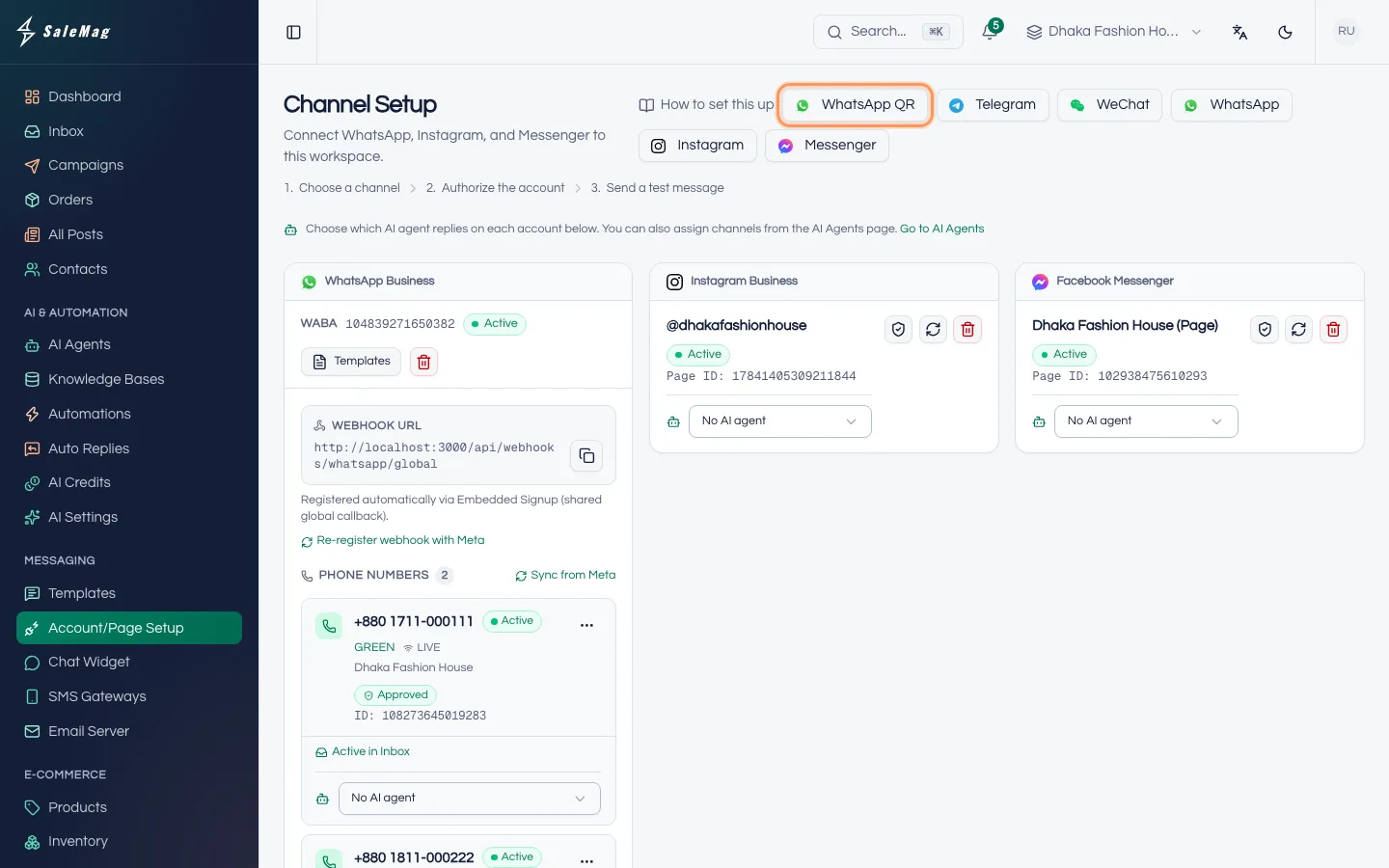
Step 2 — Read the risks and name the connection
A window called Link a WhatsApp number opens. Read the four points. Then:
- In Name this connection, type a name your team will recognise, such as "Support line".
- Tick I understand the risks, including that this number may be banned.
- Click Risk Accept & Continue.
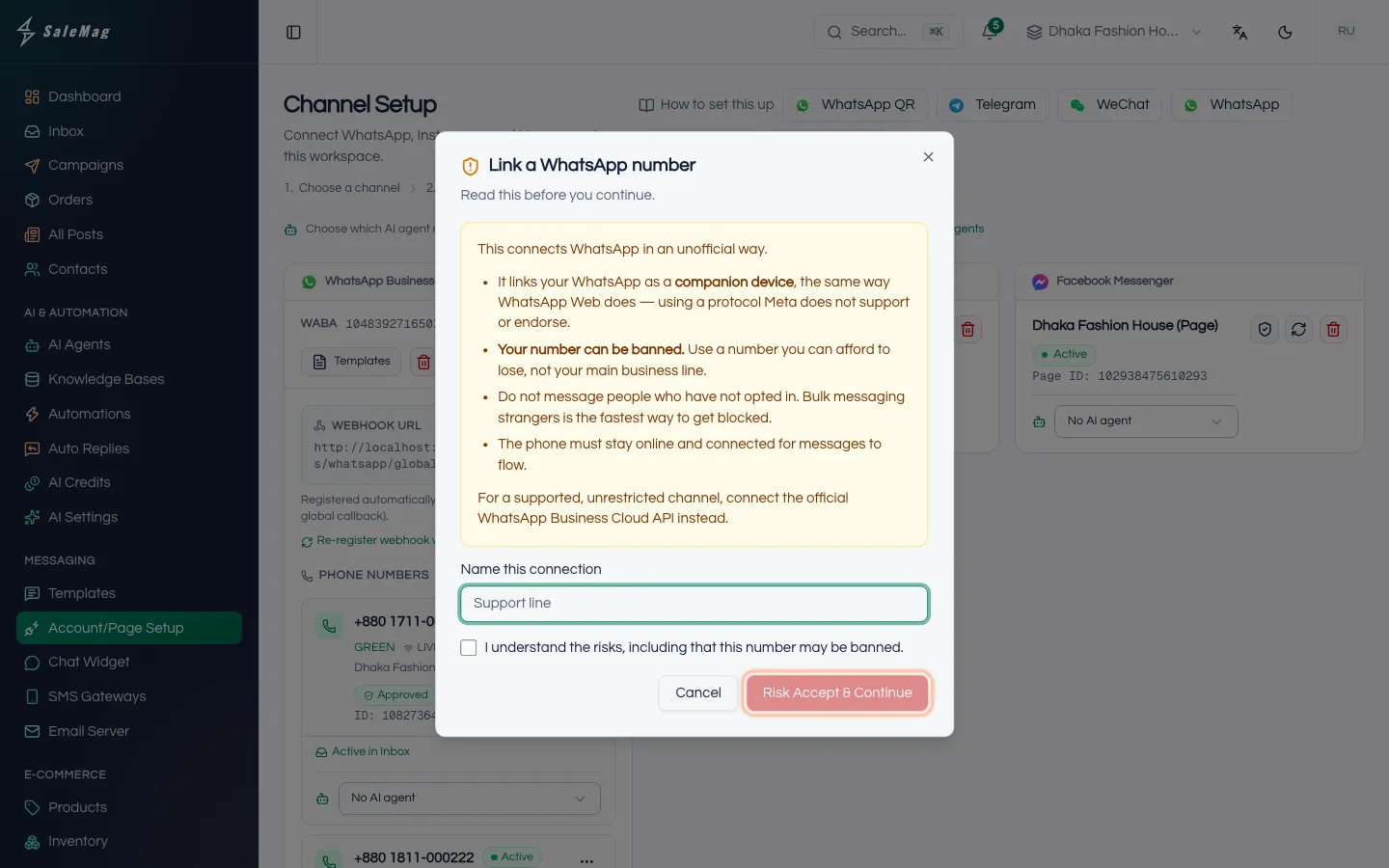
Step 3 — Scan the QR code with your phone
The window changes to Link your WhatsApp and shows a QR code on the Scan QR code tab.
On your phone, open WhatsApp and go to Settings → Linked devices → Link a device. Point the phone's camera at the QR code on your screen.
The code changes by itself when its countdown ends, a few times in a row. If you see The code expired before it was scanned., click Generate new QR and scan again.
No camera, or scanning from the same phone? Open the Use a pairing code tab. In Your WhatsApp number, type the number with the country code, for example +8801XXXXXXXXX. Click Get a pairing code. On the phone, in Link a device, choose to link with a phone number instead, and type the code SaleMag shows.
Step 4 — Finish and choose the AI agent
When the phone is linked, the window says WhatsApp connected. Click Done.
A WhatsApp QR card appears with an Unofficial label and the status Connected. To let your AI agent answer, open the No AI agent drop-down on the card and pick your AI agent.
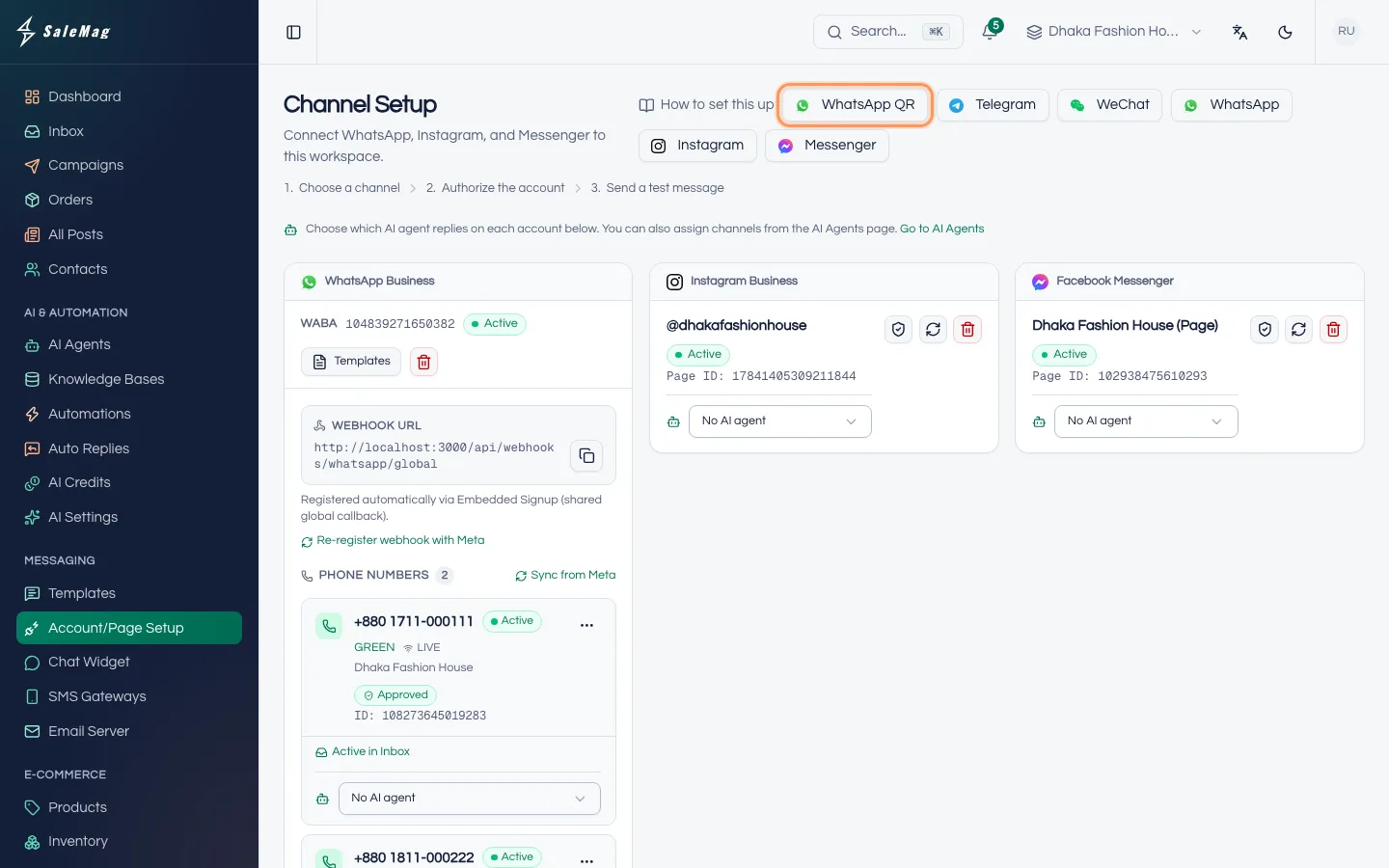
Reconnect, unlink or remove the number
Click the ⋯ (three dots) button on the card:
- Reconnect: restarts the connection. Try this first when messages stop.
- Disconnect: stops the connection, but the phone stays linked. Click Connect on the card to start it again.
- Unlink from phone: logs SaleMag out of this WhatsApp account. To use the number again, click Relink on the card and scan a new QR code.
- Delete: removes the connection from SaleMag.
What happens next
New chats on this number arrive in your Inbox. If you reply from the phone, the reply shows in SaleMag and the AI turns off for that chat. Here is how the AI switch works.
If something goes wrong
"This code is no longer valid.": click Generate new QR and scan again within a few seconds.
The status says Disconnected or messages stopped: make sure the phone is on and online, open WhatsApp on it, then click ⋯ → Reconnect.
The status says Unlinked: SaleMag was removed from Linked devices on the phone, or WhatsApp logged it out. Click Relink and scan a new code.
The status says Blocked by WhatsApp: WhatsApp banned this number. SaleMag can't undo a ban. Use another number, or official WhatsApp.
The status says Gateway offline, or the window says the WhatsApp gateway is not running: the problem is on the server side. Contact SaleMag support.
Frequently asked questions
Will my number get banned?
It can be, and nobody can promise it won't. The risk grows when you message people who never wrote to you, or send the same message to many people. Only reply to customers who contact you.
Can I send campaigns or templates from a QR-linked number?
No. Templates and campaigns need official WhatsApp. Connect your number the official way if you need them.
Do I have to keep my phone on?
Yes. The phone must stay on and connected to the internet. If it goes offline, messages stop until it is back and the connection is restored.
Do group chats show up in the inbox?
No. Only one-to-one chats with customers come into SaleMag. Group chats and status updates are left out.
Can my AI agent reply on this number?
Yes. Pick the AI agent in the drop-down on the number's card. When you reply from the phone yourself, the AI turns off for that chat.
Was this article helpful?